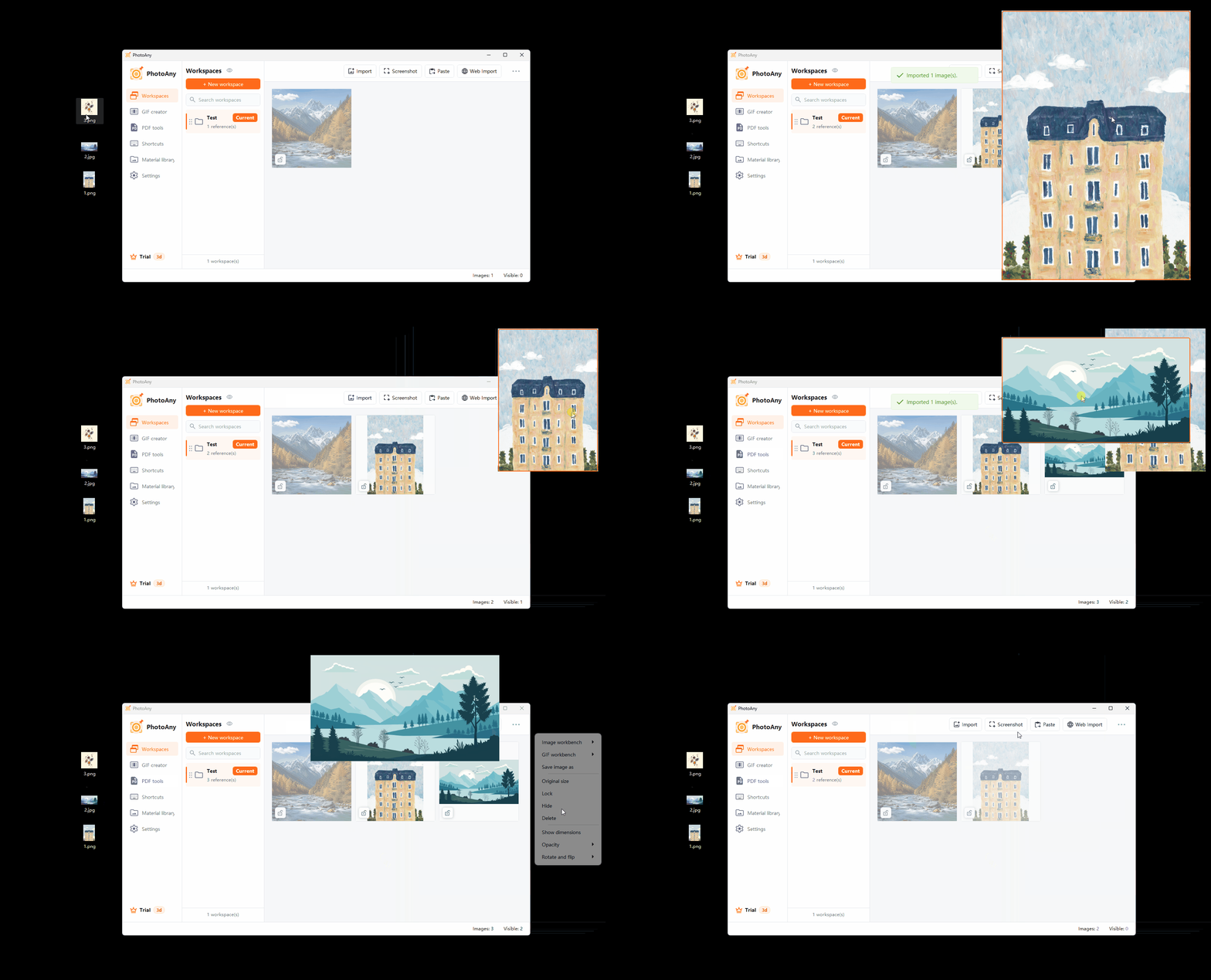
From image to floating desktop reference
Your desktop image assistant
From image to floating desktop reference
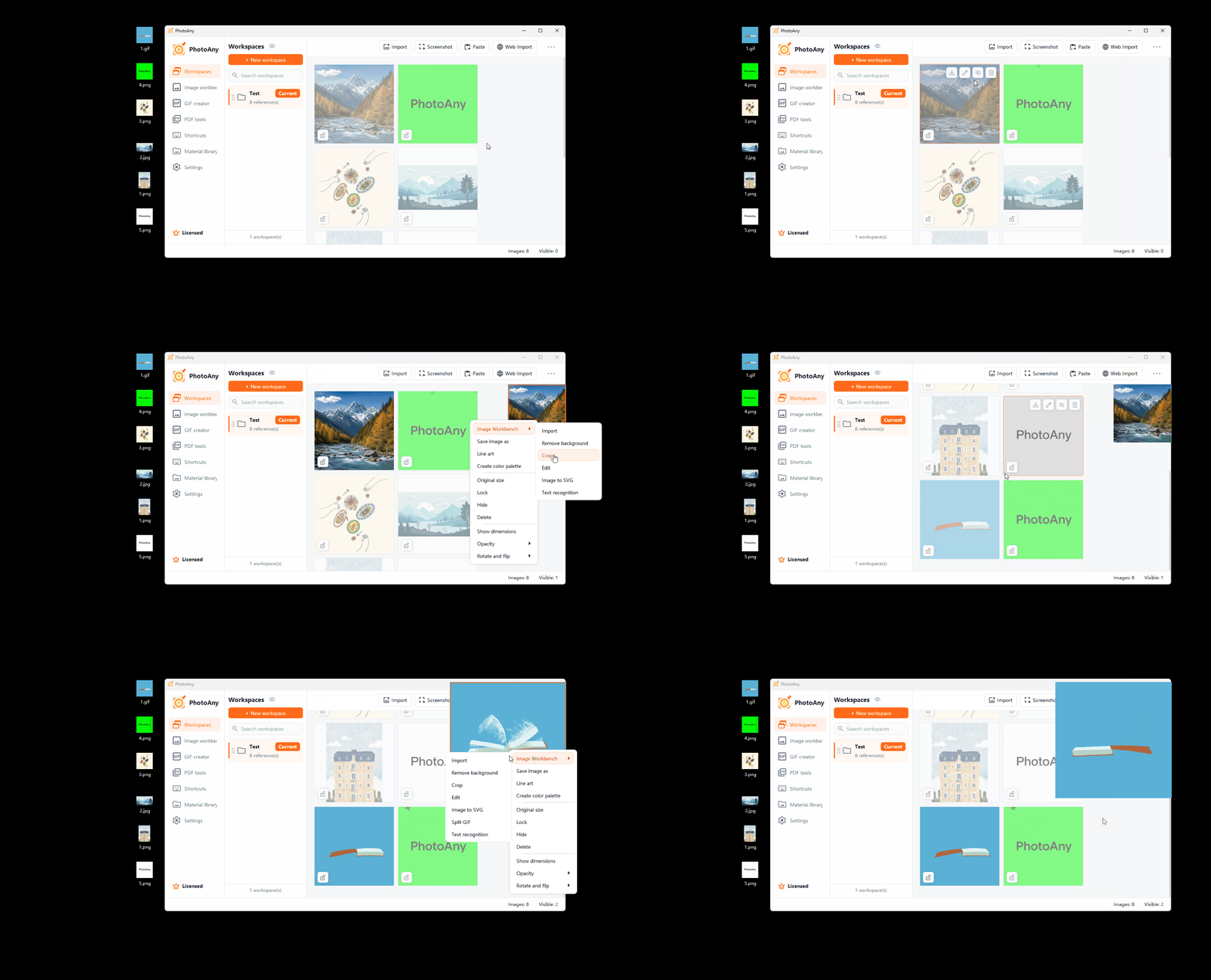
Process different assets in one place
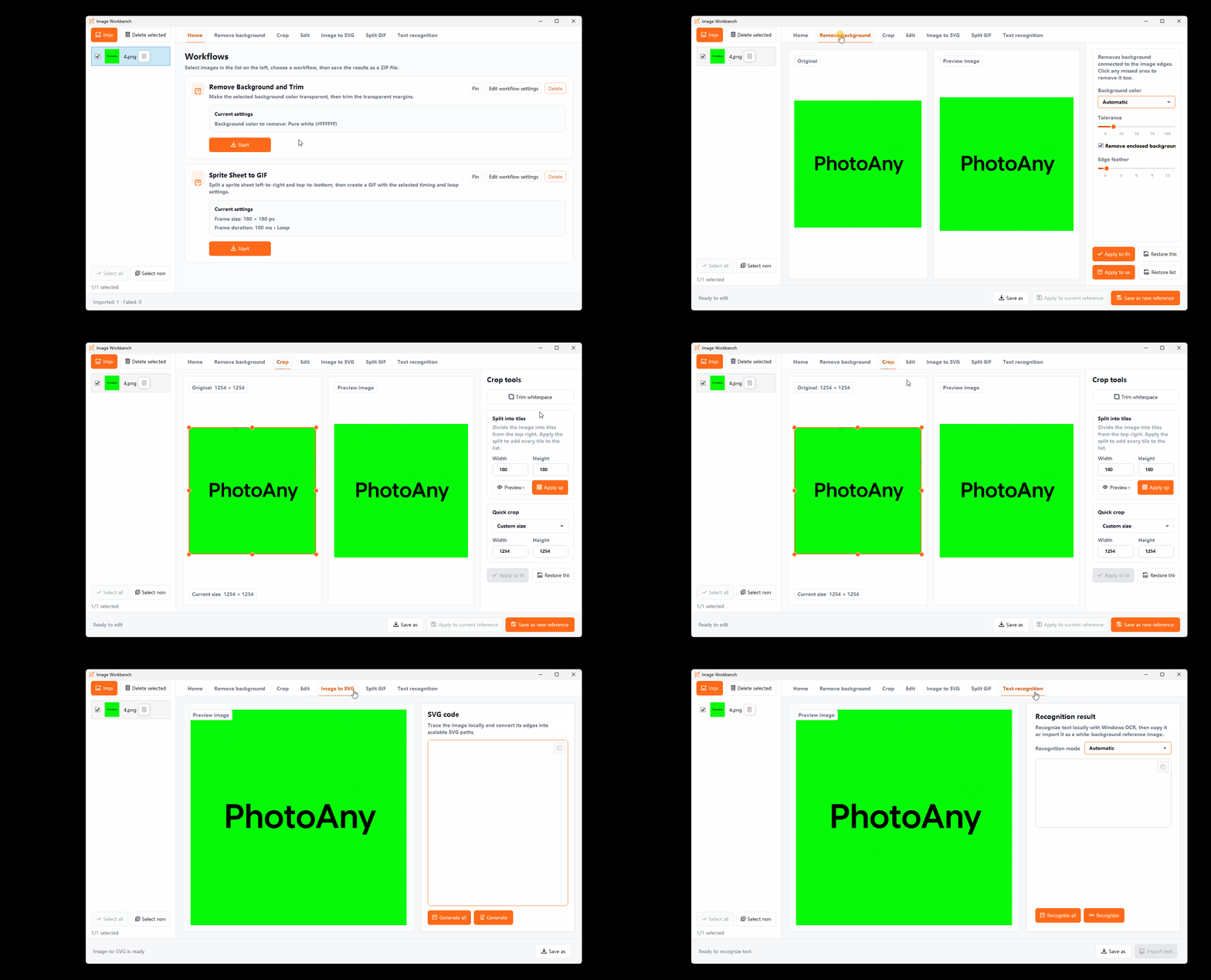
Bring every workflow onto one screen
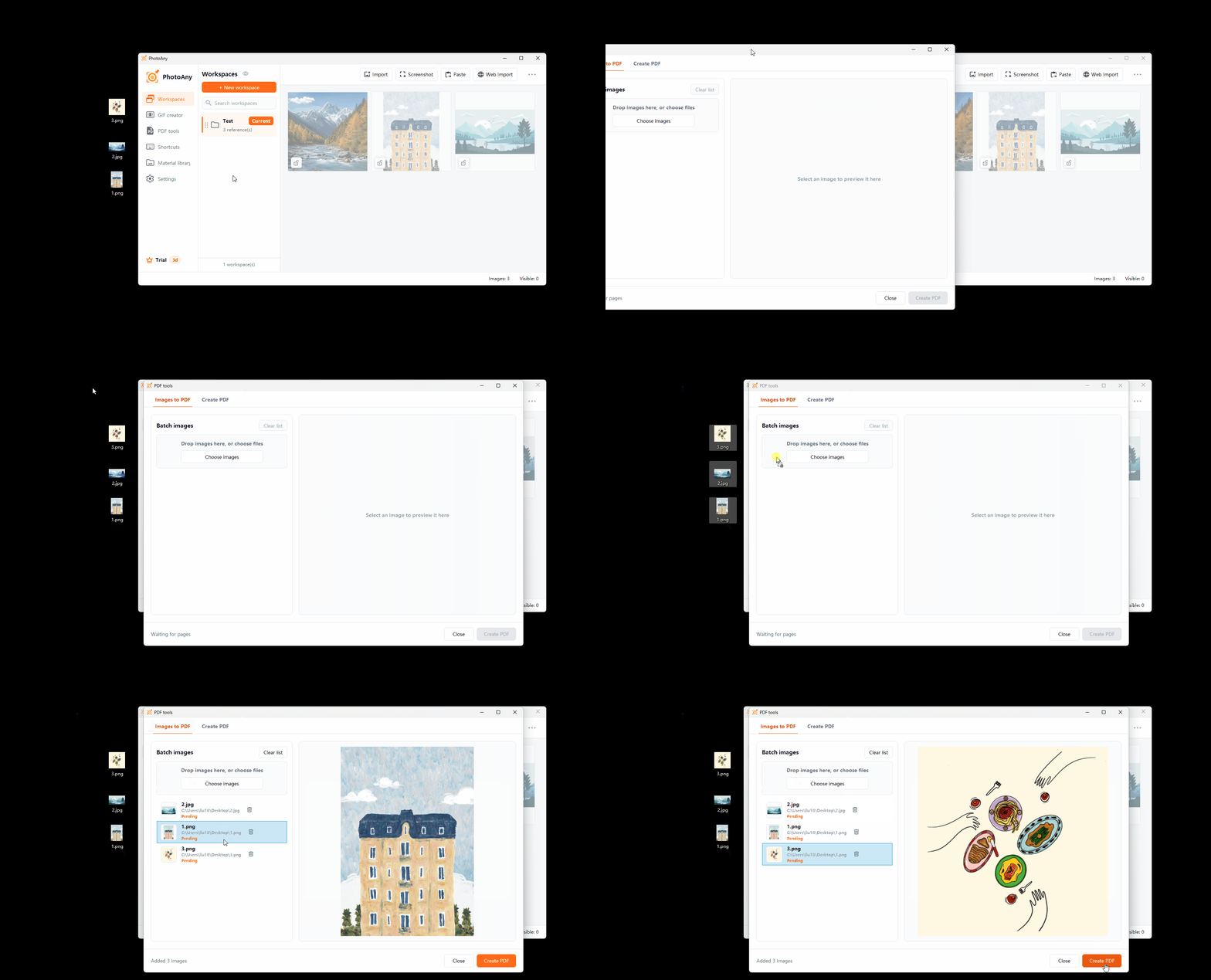
Efficient PDF workflows
Floating Dock
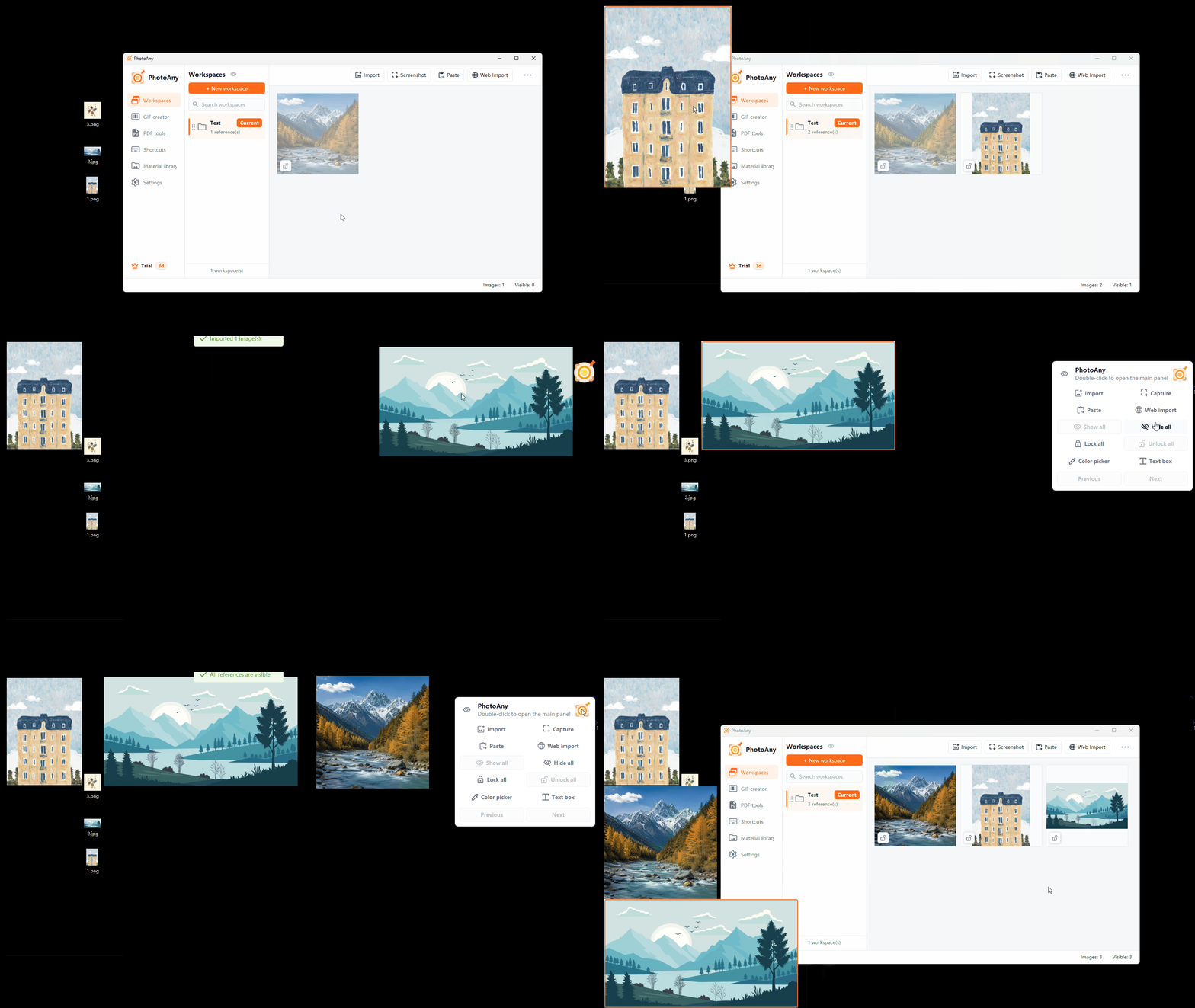
Import local images, screenshots, clipboard images, and image URLs
Material Library and multiple workspaces
Floating images, always-on-top mode, opacity, and scaling
Image adjustments, sharpening, cropping, and background removal
OCR, PDF, GIF, text boxes, line art, and SVG conversion
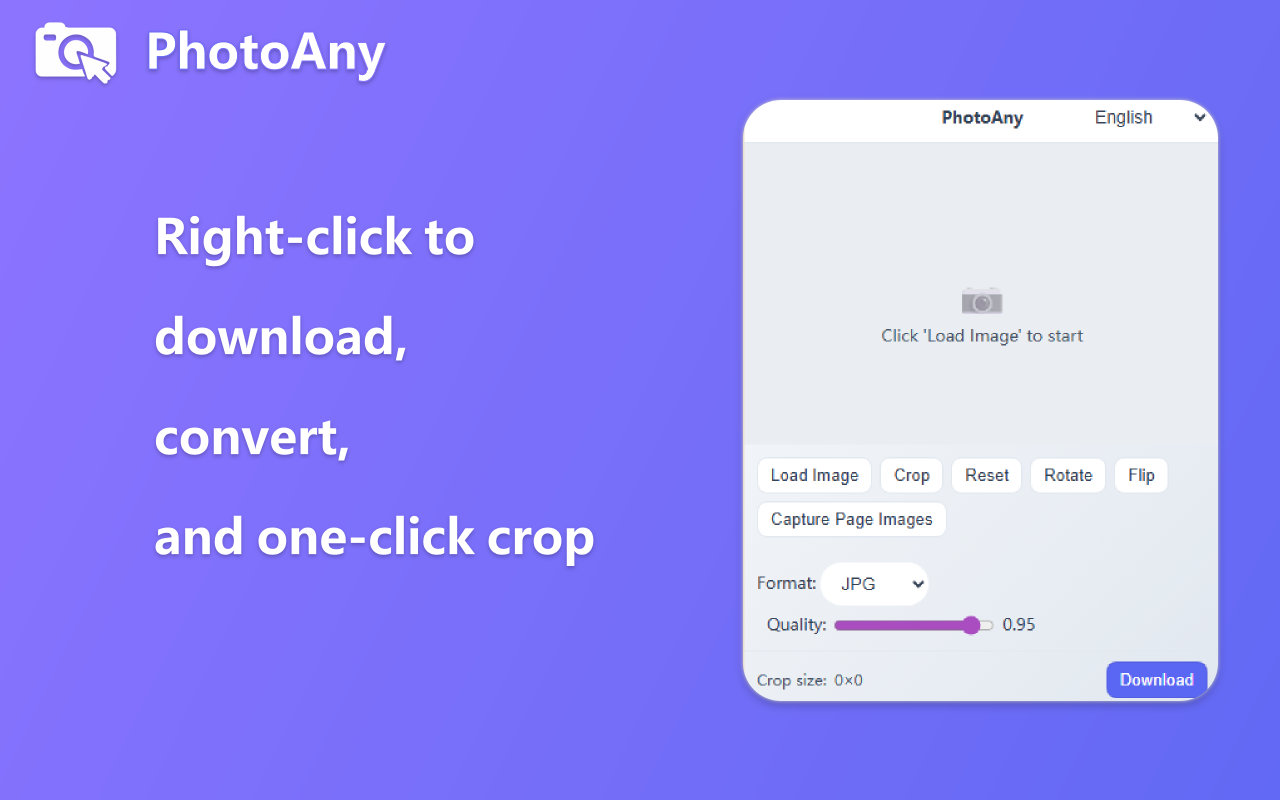
Web image selection and browser extension access
PhotoAny currently offers a one-time activation-code purchase. Activation unlocks the complete feature set.
No. The activation code is a one-time purchase and can be used permanently after activation within the license terms.
Feature updates covered by the same license are available after installing the latest version. Any future standalone product, cloud service, or additional paid service will be described separately on the website.
Not by default. PhotoAny stores references, workspaces, and display settings mainly on your device.
Imported local references and basic floating features work offline. Activation validation, update checks, web-page selection, and online image import require a network connection.
Not necessarily. PhotoAny helps you view and organize accessible web images; verify the source, copyright, and license before use.