badge Select ID Photo Type

TipLogo Buy Me a Coffee
photo_camera Free Mode

North America

🇺🇸 United States
🇨🇦 Canada

Europe

🇪🇺 Europe
🇬🇧 United Kingdom
🇷🇺 Russia
🌍 Eastern Europe

Asia

🇨🇳 China
🇯🇵 Japan
🇰🇷 South Korea
🇸🇬 Singapore
🇹🇭 Thailand
🇲🇾 Malaysia
🇵🇭 Philippines
🇮🇳 India

Oceania

🇦🇺 Australia
🇳🇿 New Zealand

Middle East & Africa

🇦🇪 United Arab Emirates
🇸🇦 Saudi Arabia
🌍 Africa
extension banner

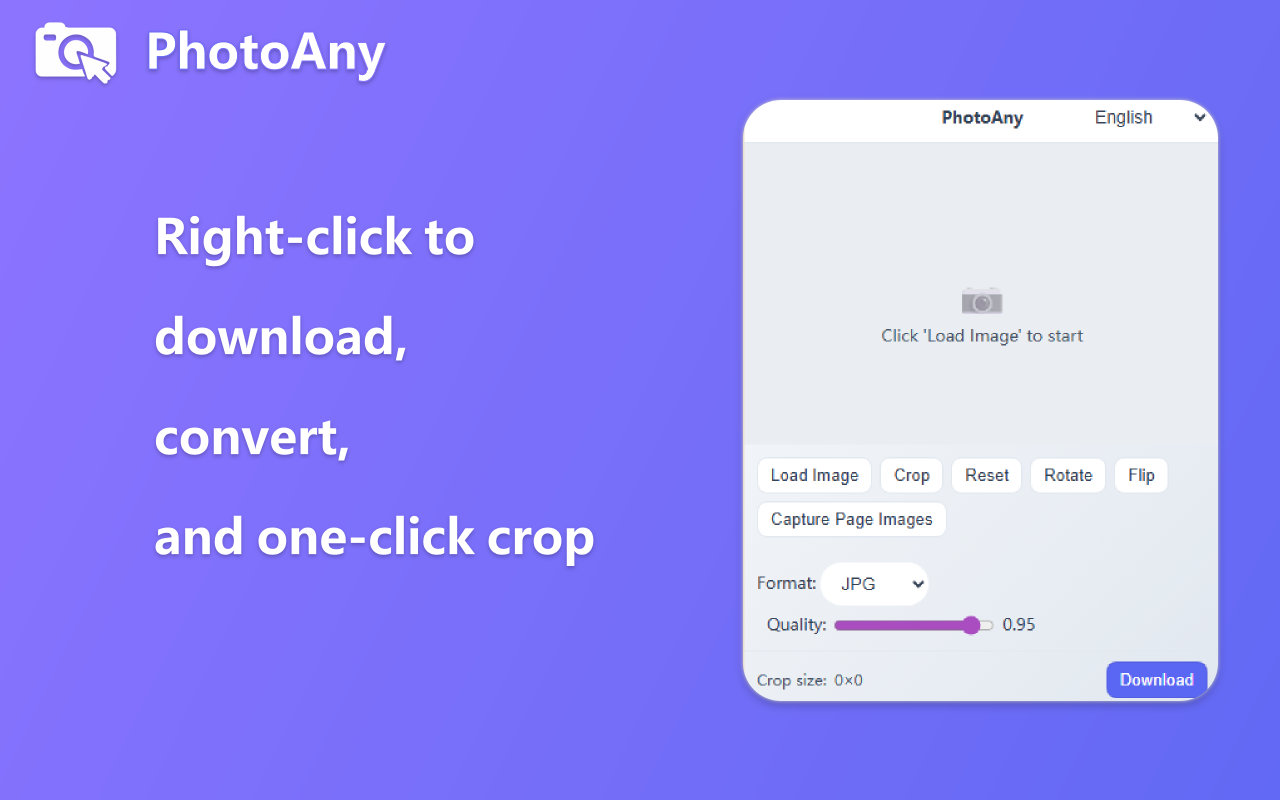
PhotoAny Browser Extension

Right-click images to quickly convert formats and crop for custom saving. Learn more

What can I do with PhotoAny?

  • Create ID photos that meet official requirements for 20+ countries and regions worldwide
  • Each country/region provides specific size specifications and background color options
  • Support various ID photo types including passports, visas, ID cards, driver's licenses, resumes, etc.
  • Switch between different countries/regions with one click, automatically adjust photo specifications
  • Provide print layout function for easy self-printing or store printing
  • Completely free, no registration required, instantly generate high-quality ID photos

How to use PhotoAny to create ID photos?

  • Select Country/Region: Choose your required country or region from the list (China, USA, Japan, Korea, etc., 20+ options)
  • Select Document Type: Choose the specific ID photo type according to your purpose (passport, visa, ID card, driver's license, resume, etc.)
  • Upload Photo: Click the upload button and select a clear frontal photo
  • Automatic Processing: PhotoAny will automatically adjust photo size, proportions, and background color to meet the official standards of the selected country/region
  • Preview and Adjust: Review the generated result, fine-tune photo position or switch to other sizes as needed
  • Download and Print: Download high-quality ID photos, with optional print layouts (4 or 6 photos) for easy printing

Frequently Asked Questions

Common questions about ID photo creation and specifications for different countries.