image Image List

TipLogo Buy Me a Coffee
Local Upload
Fetch from Web
Clear All
Download All

crop Image Edit

crop Crop
rotate_right Rotate
flip Flip Horizontal
flip Flip Vertical
0.92
extension banner

PhotoAny Browser Extension

Right-click images to quickly convert formats and crop for custom saving. Learn more

What can I do with PhotoAny?

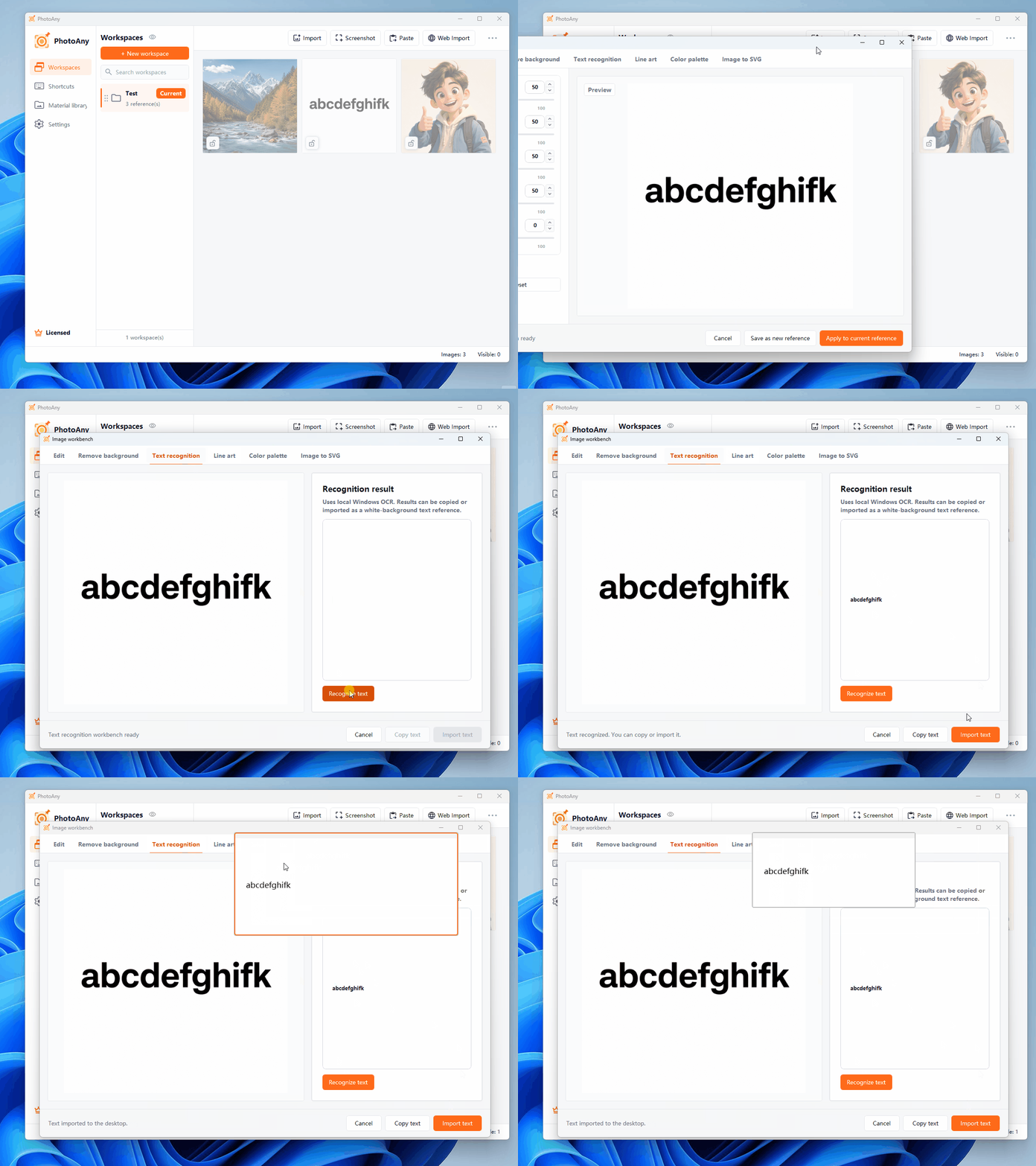
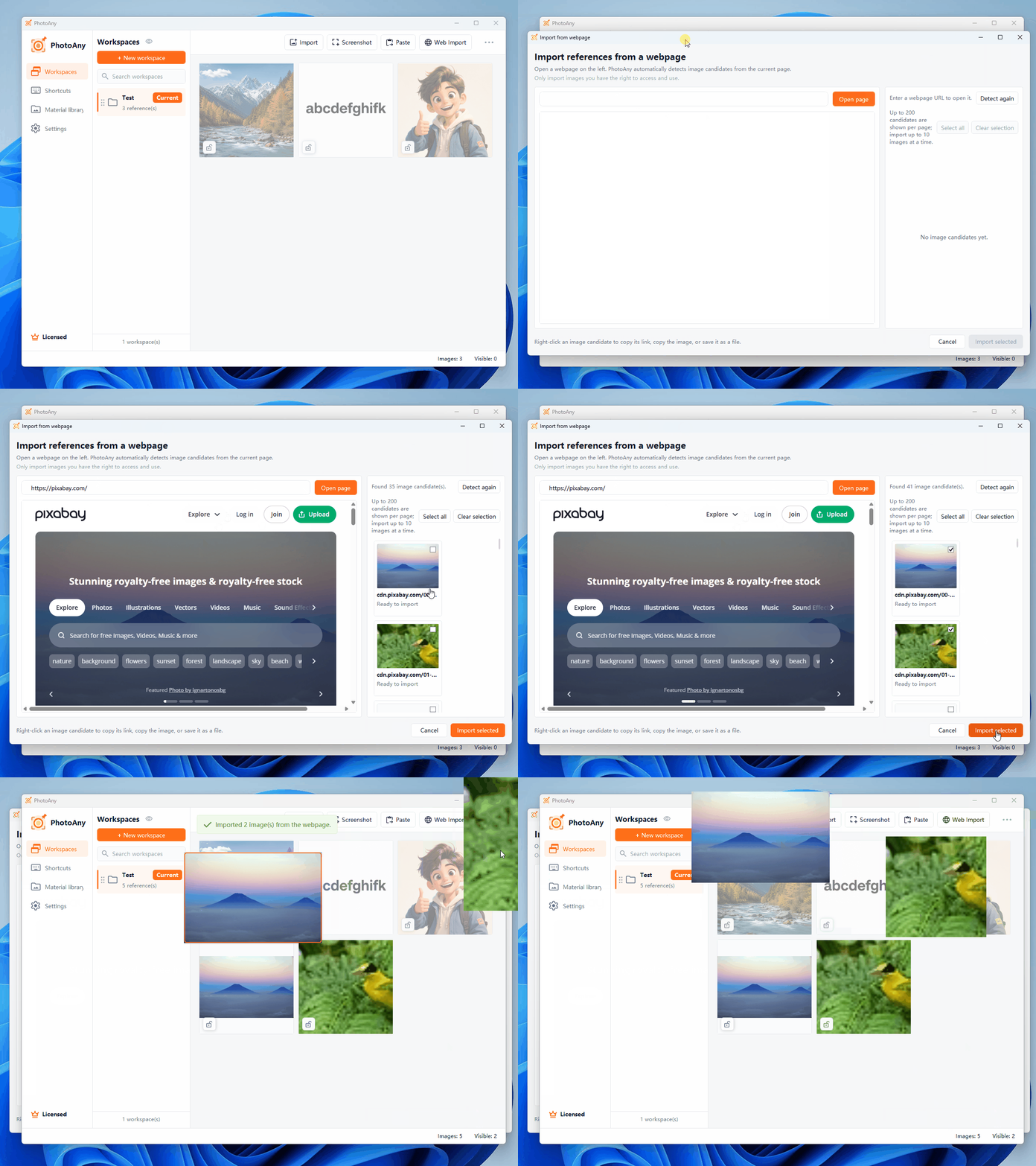
  • Quickly fetch all images from any webpage, including background images, thumbnails, etc.
  • Support batch image upload with powerful cropping tools for precise editing
  • One-click image format conversion (JPG, PNG, WebP, GIF) and file size optimization
  • Process images locally in the browser without server upload, fully protecting privacy
  • Support common editing functions such as rotation, flipping, quality adjustment
  • Completely free, no registration required, support batch download of processed results

How to use PhotoAny?

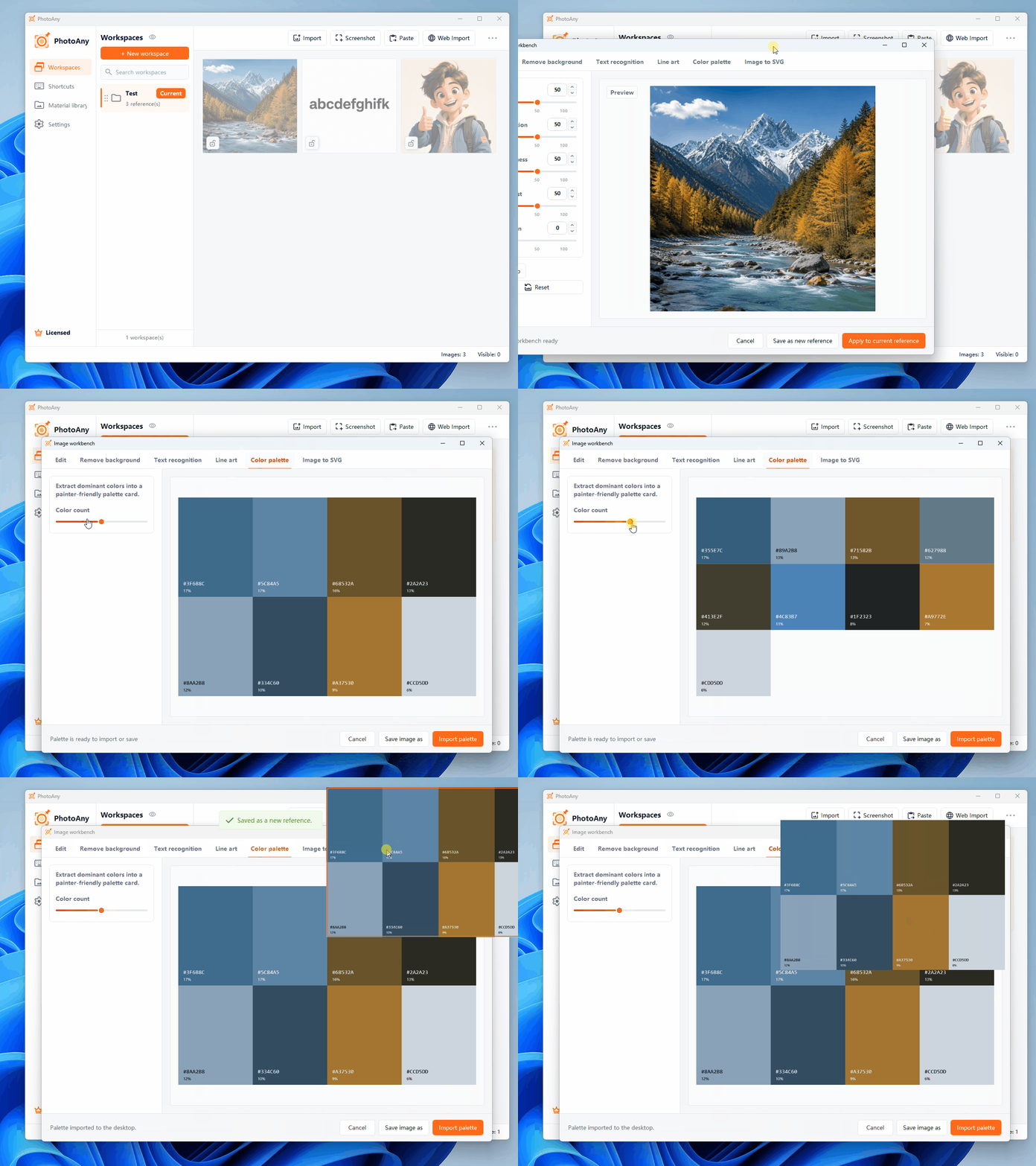
  • Choose Function: Fetch images from webpages, upload local images for editing, or batch convert formats
  • Fetch Images: Enter target URL, click fetch button, system automatically retrieves all image resources from the page
  • Edit Images: Click image thumbnail to enter editing interface, use cropping, rotation, flipping tools for editing
  • Format Conversion: Select target format (JPG/PNG/WebP/GIF), adjust image quality parameters
  • Preview Confirmation: View editing effects in real-time, click download button when satisfied
  • Batch Processing: Support processing multiple images at once, click "Download All" to batch save results

Frequently Asked Questions

Common questions about free online image tools and AI processing.