References without window juggling
Float local images and screenshots on screen, then resize, position, and fade them exactly where you need them.
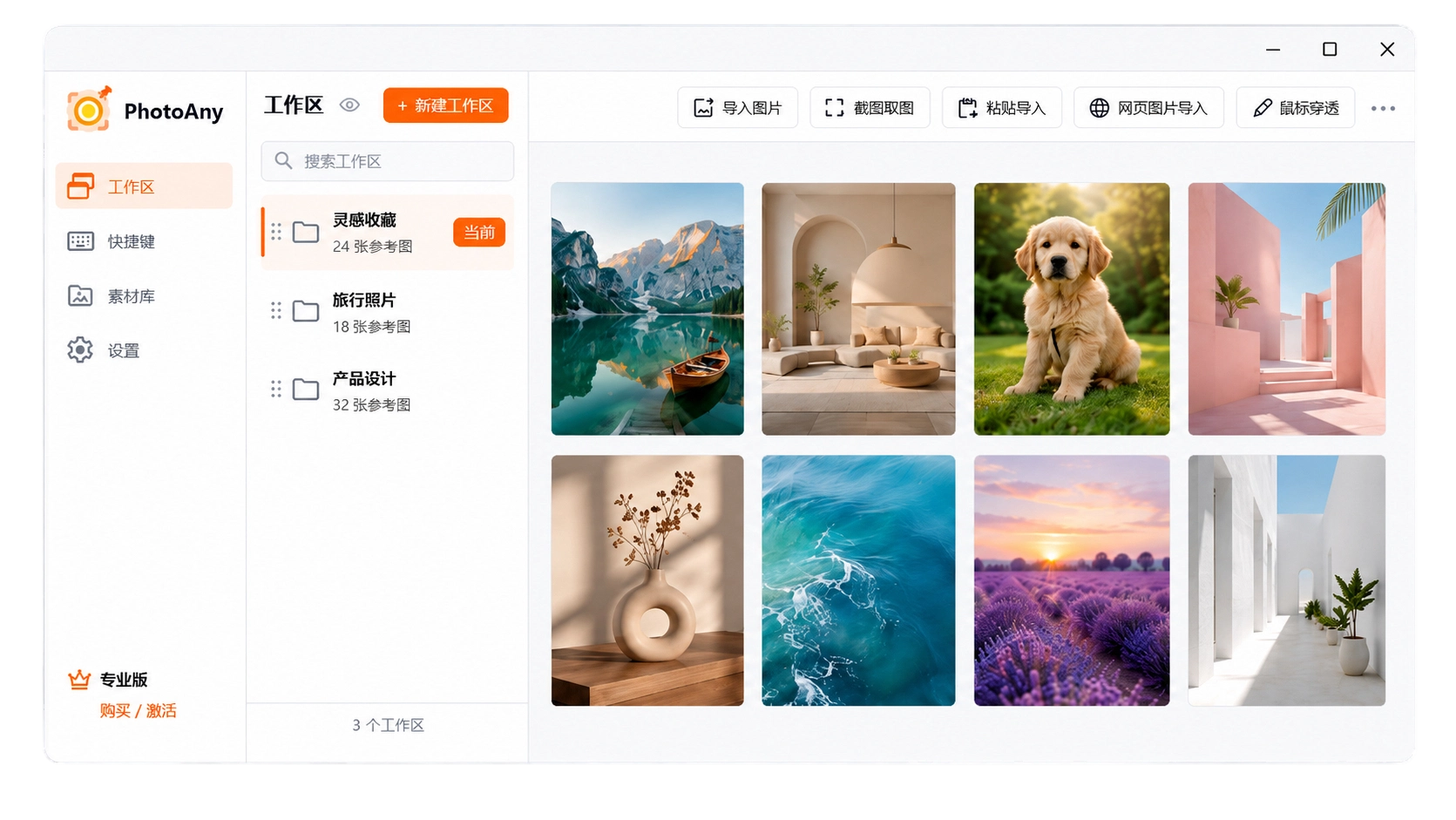
Pin images anywhere on screen. Built for artists, designers, modelers, and anyone who works from visual references.
Keep reference images on your desktop so you do not have to switch between windows while working.
Place references over your canvas, adjust transparency, and click through to the app below.
Find accessible images from web pages and bring the selected references into your current workspace.
Float local images and screenshots on screen, then resize, position, and fade them exactly where you need them.
Turn on global translucency and mouse pass-through so your drawing app remains fully usable underneath.
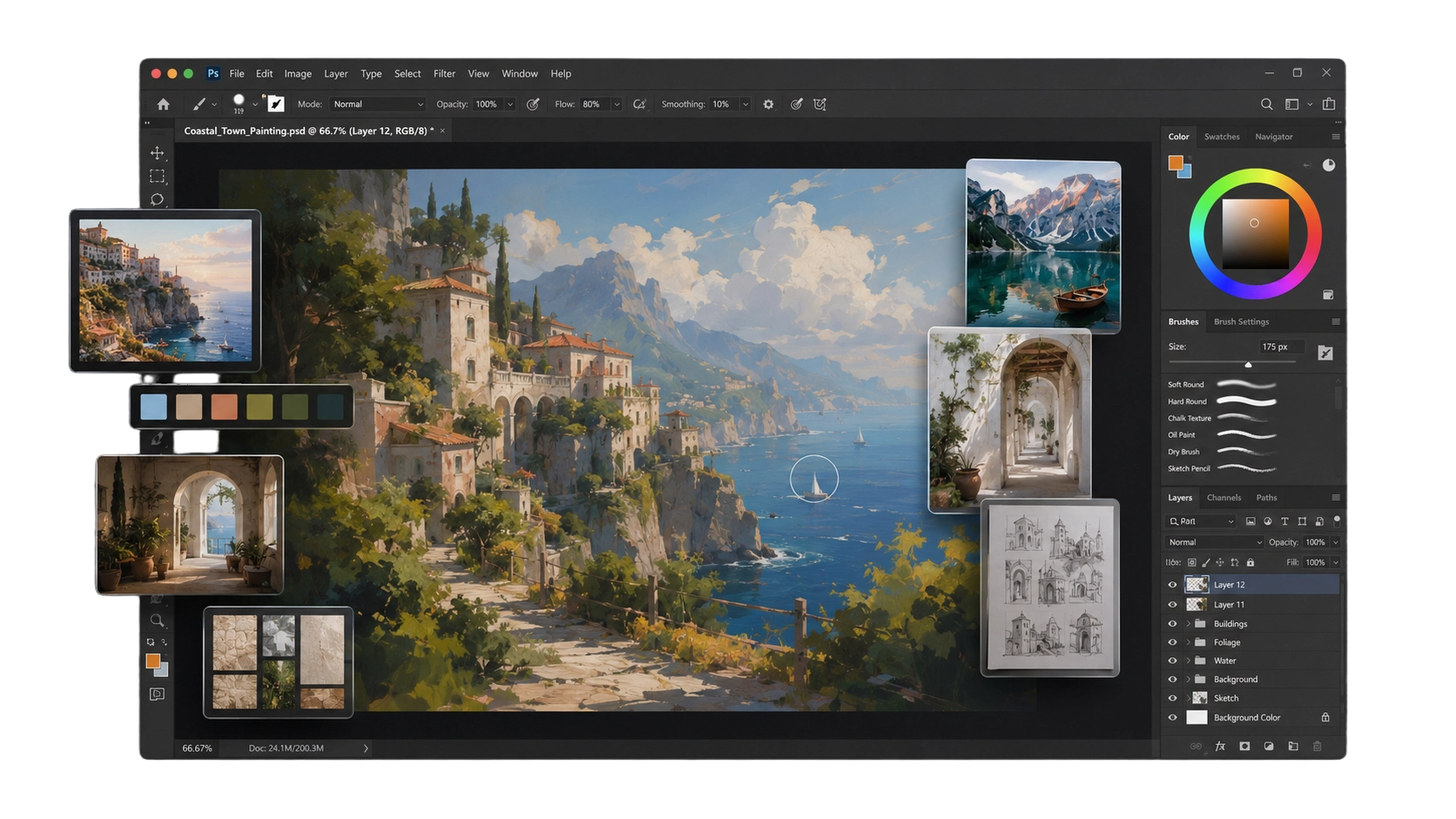
Open public material pages, detect available images, and import the ones you need to the desktop.