
image Original Photo

TipLogo Buy Me a Coffee
Local Upload
Clear All

badge Design and Background

Photo Background Color

square White (Official Standard)
square Light Blue (Common)
square Standard Blue (Photo Studio Default)
square Standard Red (Government / Archive Use)
square Off White (Soft Lighting)
palette Custom

Photo Specifications

DPI (Resolution)

Format

Print Version

The print layout places several photos together for easy printing.

Application Instructions

Photos taken may be rejected by authorities. This website is not responsible for any losses caused.
  • Must be a recent color photo taken within the last 6 months, showing the applicant facing directly toward the camera.
  • The applicant must face the camera straight on with eyes open and looking forward, maintaining a neutral expression with a closed mouth.
  • The full head and upper shoulders must be visible; facial features must be clearly distinguishable with no distortion or excessive retouching.
  • The background must be plain white, light blue, or light gray, with no shadows, gradients, or textures.
  • Lighting must be even, with no facial shadows, overexposure, reflections, or backlighting.
  • No hats, head coverings, or accessories are allowed unless for religious or medical reasons, and they must not obscure facial features.
  • Clear, colorless eyeglasses are allowed, but the frames may not cover the eyes and the lenses must have no glare or tint.
  • Hair must not obscure the eyebrows, eyes, or facial contour. Long hair should be neatly arranged and not block the shoulders.
  • No beauty filters, softening effects, slimming, eye enlargement, or any digital modifications that alter natural appearance are allowed.
  • The photo must be sharp, free of noise, compression artifacts, red-eye, stains, scratches, watermarks, or any signs of editing.
extension banner

PhotoAny Browser Extension

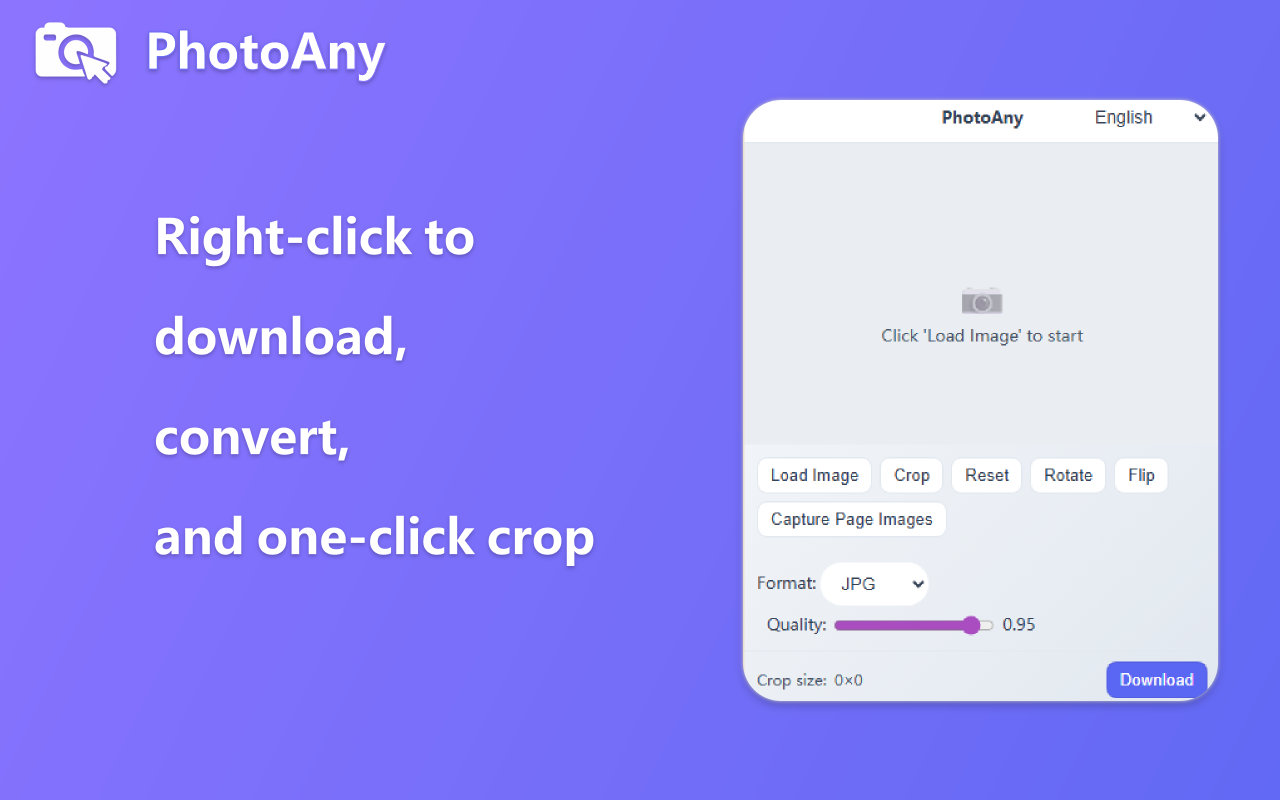
Right-click images to quickly convert formats and crop for custom saving. Learn more

What can I do with PhotoAny?

  • Create high-quality ID photos that meet passport, visa, resume, and other requirements
  • Support multiple size and background color options to meet the requirements of different countries and institutions
  • Fast and convenient, simply upload a photo and generate an ID photo in minutes
  • Provide print layouts for users to print ID photos themselves

How to use PhotoAny to create ID photos?

  • Upload Photo: Click the upload button and select a photo that meets the requirements
  • Select ID Photo Size: Choose the appropriate ID photo size according to your needs
  • Select Background Color: Choose the appropriate background color according to requirements
  • Adjust Photo: Adjust the photo position and size according to the prompts to ensure it meets the requirements
  • Generate ID Photo: Click the generate button and wait a few minutes to get your ID photo
  • Download and Print: Download the generated ID photo and select a print layout for printing

Frequently Asked Questions

Common questions about free online image tools and AI processing.